Many owners have a holiday let website with six photos, a paragraph about the house and an email address. A guest who likes the house must write an email, wait for a reply, ask about free dates, and then pay by bank transfer. Many guests will not do that. They go back to the listing site and book there.
A holiday let website that works lets the guest see free dates, see the full price and book on the same page. This guide lists what that website needs. It also compares three ways to get one, and gives you questions to ask any builder.
It is written for owners of a holiday home in Portugal, Spain or another sunny country, often from the UK. The checklist applies to other places too.
Do you need a website at all?
Maybe not. If you rent your home for a few weeks a year to friends and friends of friends, a listing page and a phone number may be enough.
A website makes sense when three things are true. You rent often enough that platform fees hurt. You want to keep in touch with guests who liked the house. And you want a place of your own that shows the property in the way you choose, with your rules and your price.
A website does not bring guests by itself. Most first direct bookings come from people who already know you, or from guests who see your listing and then search for the property by name. We explain this in How to get direct bookings instead of Airbnb.
The checklist
Use this list to judge any builder or template, including ours.
1. A live calendar with free dates
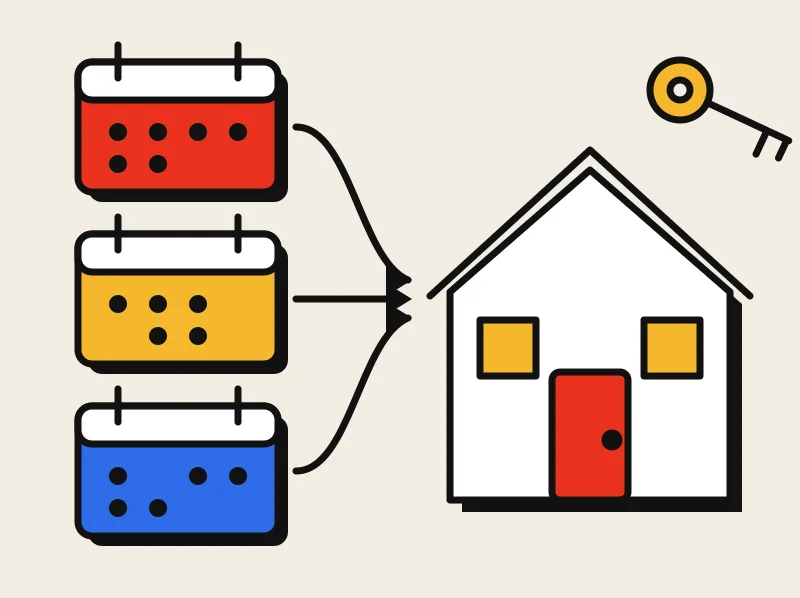
The guest must see which dates are free without asking you. The calendar should also take your other listings into account. If you list on Airbnb, Vrbo or Booking.com, your website should sync with those calendars. When a booking arrives on one site, the dates close on the others.
Sync runs on a schedule, not in the same second. So a short gap can exist, and nobody can promise that a double booking will never happen. Ask the builder what happens when a sync stops, and whether you get a warning.
2. The full price before the guest pays
Show the nightly rate, the cleaning fee, the deposit, taxes and any other charge before the guest starts to pay. A price that grows at the last step can lose the booking. It also makes the guest doubt you.
3. Payment to your own account
Guests should pay by card, and the money should go to your own account, such as a Stripe or PayPal account in your name. Be careful with any builder that collects the money first and pays you later. Ask who holds the money, for how long, and what happens if you stop using the service.
Your payment provider charges a card fee on each payment. Look up its current rates when you compare options.
4. A site that works on a phone
Most guests look at holiday homes on a phone. Photos, the calendar, the price and the Book button must all work on a small screen and a slow connection. Open any demo site on your own phone before you decide.
5. Your rules in plain words
Write the house rules, the deposit, the cancellation policy and the check-in times in simple sentences. Guests read them. Clear rules lead to fewer arguments after the booking.
6. Your registration or license number and local taxes
Many countries now require owners to register a short-term rental and to show the registration number when they advertise. The rules differ by country, and they change.
Here is what we can say with some confidence, from the sources we checked:
- Regulation (EU) 2024/1028 sets up national registration for short-term rentals across the EU. It applies from 20 May 2026, and online platforms must ask hosts for a registration number. Source: Regulation (EU) 2024/1028.
- Portugal keeps a national register of local accommodation (Alojamento Local, or AL). Each entry has a number that ends in "/AL". The register is run by Turismo de Portugal: Registo Nacional de Turismo.
- Spain has a national register of rentals (Registro Único de Arrendamientos). The register issues the registration numbers. Check the current steps with your property manager or a local lawyer.
We could not confirm from an official source whether the number must also appear on an owner's own website. Ask your local council, your property manager or a local lawyer. A good website has a place for the number and for local taxes, so you can add them as soon as you know the rule.
We are a software studio, not a law firm. Do not rely on this guide for legal advice.
7. A web address in your name
Register the domain in your own name, not in the builder's name. If you ever change builders, your web address moves with you. Ask the builder to put your name on the registration from the first day.
8. A guest list that you own
Each direct booking gives you a guest's name and email address. Keep that list. It is the only way to tell a happy guest that next season's dates are open. Tell guests what you keep and why, and let them say no to emails. Check the privacy rules for the country where you and your guests live.
Be careful with your Airbnb guests. Airbnb's rules ban using their contact details for marketing, and ban asking them to book outside Airbnb. Our guide Can you ask Airbnb guests to book direct? explains the rules. Your direct-booking list is for people who booked with you directly.
Three ways to get one
Build it yourself with a booking tool
Tools such as Lodgify and Smoobu let you build a booking site yourself for a monthly fee. They work well if you enjoy setting up software, and if your property is simple. You do the setup, the calendar links, the payment connection and the checks. When something breaks, you find the answer in a help page or you write to support.
Hire a freelancer
A freelancer can give you a custom look. Check what you get at the end. Ask who owns the code and the web address, who hosts the site, and who fixes the calendar when it fails next summer. A freelancer who moves on to another job leaves you with a site nobody maintains.
Hire a studio that does the whole job
You send a link to your listing. The studio builds the site with your photos, rates and rules, connects your calendars, links your own payment account and keeps it running.
This is what we do at Dhriaan. Our vacation rental booking websites come with your own web address, synced Airbnb, Vrbo and Booking.com calendars, and payments to your own Stripe or PayPal account. We get an alert when a calendar sync stops, and we fix it. We are a software studio in India, and we work with owners by email and video call.
There is no right answer for every owner. If you like to configure things, use a tool. If you want to send a link and get a finished site, hire someone to do it.
Questions to ask any builder
Ask these before you pay. Get the answers in writing.
- Who owns the web address, and whose name is on the registration?
- Where does the guest's money go? Is it my account, or yours?
- Which calendars can you sync with mine, and what happens if a sync stops?
- Can I export my guest list and my content at any time?
- Who hosts the site, and what do I pay each month?
- Where do I put my registration number and my local taxes?
- Who answers when something breaks, and how fast?
- What happens to my site if I stop paying?
A good builder answers all eight without trouble. Be careful with a builder who avoids the questions about the web address, the money and the data.
Where to start
Print the checklist. Mark the items that your current site misses. Take the list to every builder you talk to.
If you want to see what a site with all eight items looks like for your own house, send us your Airbnb, Vrbo or Booking.com listing link. We will reply with a mockup of your own booking page. It is free. Get my free mockup